Team insights
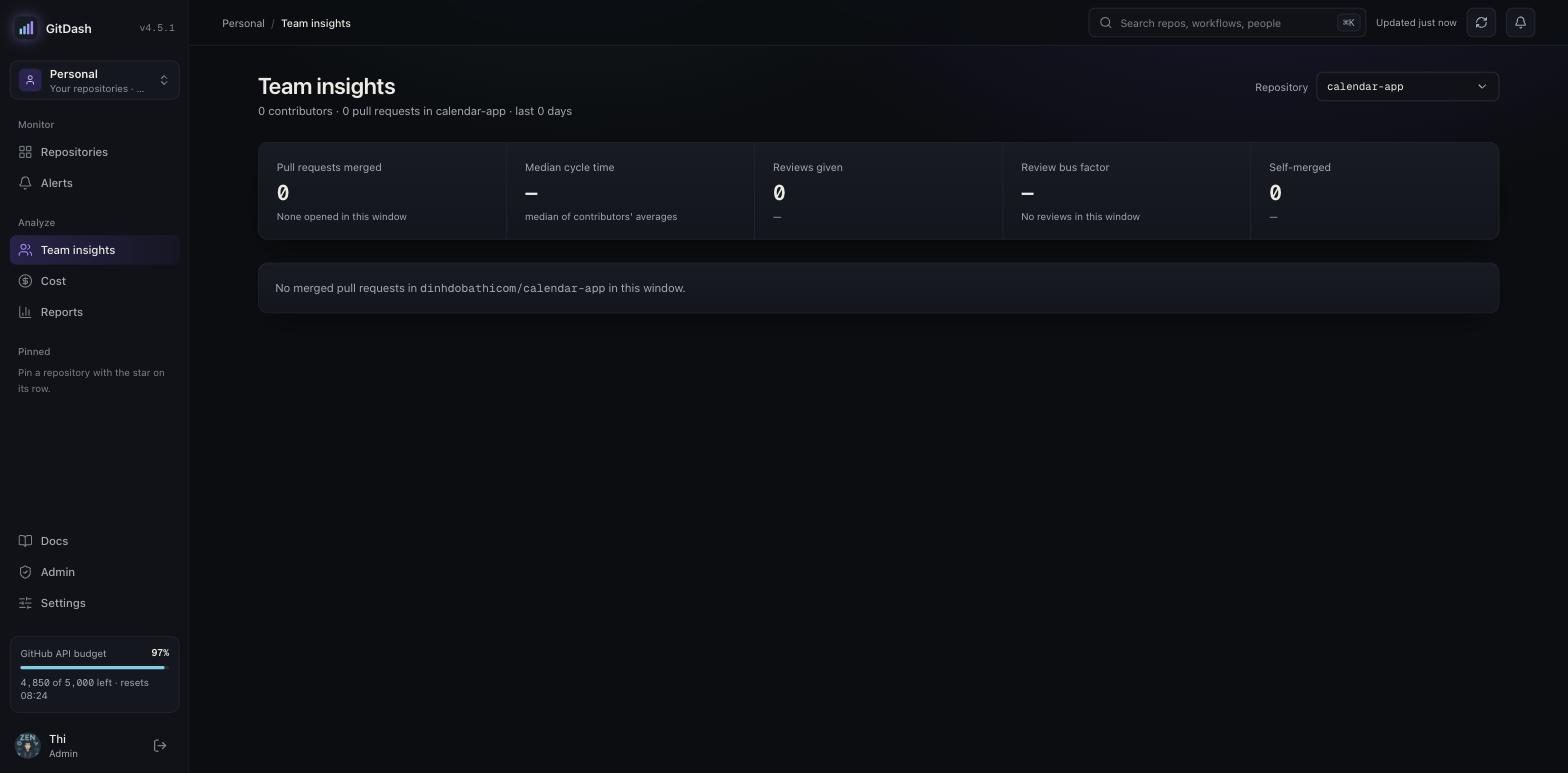
/teamPick a repository and a window — 30 or 90 days, for the whole page (?days=90 survives reload and sharing). The page starts with What stands out: findings computed from the numbers below, worst first, each linking to its section — after-hours work, one person doing every review, merges nobody else reviewed, commits over the size limit, pull requests with too many commits, self-merges. Only findings with evidence appear; when nothing stands out, it says so.
Below: merged pull requests (and how many were opened in the window — a different set), the true median time from open to merge, pull requests reviewed by a human (a submitted approve, request-changes or comment review by someone who is neither a bot nor the author), the reviewer bus factor (fewest people giving half the human reviews; aim for 2+), and self-merges. Who reviews whom lists each pair by pull requests and turns into a heatmap once 4 or more people review. Workload to watch (workloadRisk) shows after-hours and weekend share and open pull requests against fixed limits (30%, 25%, 4). Peopleputs each person's author, reviewer and habit figures in one table, sortable and exportable as CSV; columns for a feature you are not granted are left out of the table and the file.
Bots never count toward the team numbers. Include bots shows their rows and review pairs dimmed; otherwise a line says how many are hidden. When some data could not be loaded (GitHub rate limit, a very busy repository, working habits still backfilling), a coverage line says so and findings that depend on it are left out.
Workday
After hours means outside the organization's workday, and weekend means Saturday or Sunday, both in one time zone set by an admin in Settings → Team insights (default Asia/Saigon, 08:00–19:00). It applies to Team insights and each repository's Team tab. The contributor profile's commit-hour chart and the afterhours_commit_pct alert still use UTC 09:00–18:00.
Account links
Some people use two GitHub accounts. When two logins share a name stem (for example dinhdobathi1992 anddinhdobathi3) and one reviewed the other in the window, admins see "Are they the same person?" in What stands out. Link accounts makes every Team page count them as one person — pull requests, reviews, commits and working habits are added together, and reviews between them become self-reviews, which never count as a human review or toward the bus factor. Different people stops the suggestion. Links change numbers only, never access: an engineer's own working-habits view stays their own login. Organization mode only; admins review, unlink and undo in Settings → Account links, and every change is in the audit log. On a repository's Team tab linked people are merged too; their averages there are weighted approximations.
Working habits
With workingHabits and a database, Team insights shows whether commits and pull requests are kept small, for this repository or all of its owner, over the page's window: commits over the limit (split by files, lines or both), pull requests over the commit limit, the largest commit, and the oversized commits grouped by pull request. Each person's share is in the People table. A commit is over the limit when it changes more than 10 files or more than 200 lines (additions plus deletions); a pull request is over the limit with more than 20 commits. Admins change the limits in Settings → Working habits. Engineers always see their own figures on their contributor profile, even without the feature; the Monday leadership digest carries totals only, no names.
How it counts: only merged pull requests, by merge date. Commits are measured inside the pull request that carried them, so a squash merge is judged by its original commits, never by the one large commit it leaves on the default branch. A commit shared by stacked pull requests counts once, for the pull request merged first. Merge commits and bots are left out; when GitHub cannot count a very large commit's files, its lines alone decide. A commit whose email is not linked to a GitHub account is credited to the pull-request author and marked "via PR author".
Limits: commits pushed straight to the default branch are not counted, and repositories without GitHub Actions history are not synced (the section says "Not tracked"). The first nightly runs backfill 90 days; until that finishes the coverage line reads "backfill in progress". The oversized_commit_pct alert needs at least 5 commits and a fully analysed window, and an organization-wide rule reports the first repository that breaches in a window.