Auth modes
GitDash runs in one of two modes, chosen with the MODE environment variable. The mode decides how people sign in, whether a database is needed, and who controls which features each person sees.
Standalone vs. organization
| Standalone (default) | Organization | |
|---|---|---|
| Who it is for | One person, one token | A team sharing one deployment |
| Sign in | Personal access token on /setup | GitHub OAuth or a personal access token on /login |
| Database | Optional | DATABASE_URL required |
| Who decides what you see | You, in Settings → My features | An admin, per group (see Access control) |
| Alerts, Reports, sync | Not available | Available |
| Restrict sign-in to your orgs | — | GITDASH_ALLOWED_ORGS |
Sign-in
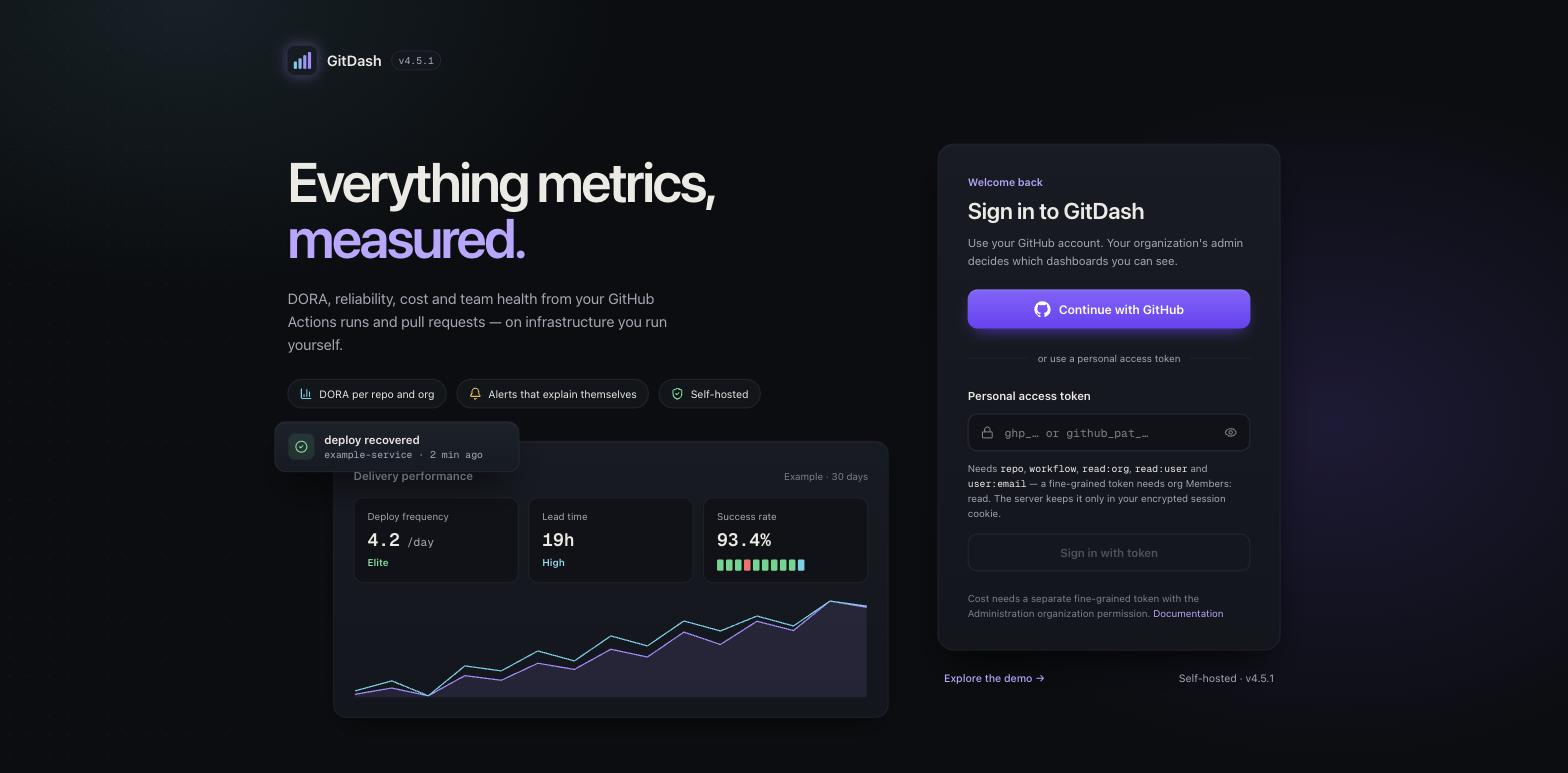
In organization mode the sign-in page offers Continue with GitHub (the OAuth App) and a personal-access-token form. Both end in the same place: GitDash asks GitHub who the token belongs to and keys everything — groups, grants, audit entries — on that account's numeric GitHub id, never on anything the browser sends.
Switching modes
Change MODE and restart. A GitHub (OAuth) session does not carry over to standalone mode, so people signed in that way sign in again with a token. Moving to organization mode also needs the settings listed under Access control.